
Toolbox
*
Toolbox *
Free and accessible tools for music production, podcasting, DJing, music coding and more!
Ableton - Learning Synths
Ableton Learn Synths is an interactive online tool that introduces users to the fundamentals of synthesizers. With a clear and simple interface, it encourages hands-on experimentation to help users understand sound design concepts, synthesis techniques, and signal flow. It’s an accessible way to build foundational music production skills.
Audacity
Audacity is a versatile, open-source audio platform for recording, editing, and producing sound on Windows, macOS, GNU/Linux, and more. Users can cut, copy, splice, and enhance audio clips with precision. Its wide range of tools and effects makes it ideal for podcasts, music projects, voiceovers, and sound design tasks.


Splice sounds
Splice Sounds gives music creators access to a massive, constantly updated library of royalty-free samples. Discover sounds by genre, mood, or instrument, and download only what you need. With easy DAW integration, Splice Sounds streamlines your workflow and sparks creativity at every stage of music production.
EarChord
EarChord finds the chords in any song. Drop in an MP3, WAV, M4A, or AIFF file and it returns a timed chord progression, the key, and the BPM. It's free and unlimited, needs no account, and analyzes the audio in your browser, so the file never leaves your device. It detects major and minor triads, so use it to check your ear, not as a full transcription.
cut.audio
cut.audio is a free set of browser-based audio tools: cut, trim, join, mix, convert, and record, all without uploading your files. Everything runs on your own device, with no signup, no ads, and no watermark. Handy for trimming a vocal take, joining podcast segments, or pulling a sample.
TAIL Sampler - Sample Chopper
TAIL's Sample Chopper lets you drop in any sound, slice it on the waveform, and play the chops on 16 pads, then build a pattern with the step sequencer. It runs right in your browser with no install and no signup, so the chop-and-flip lesson is one link away.
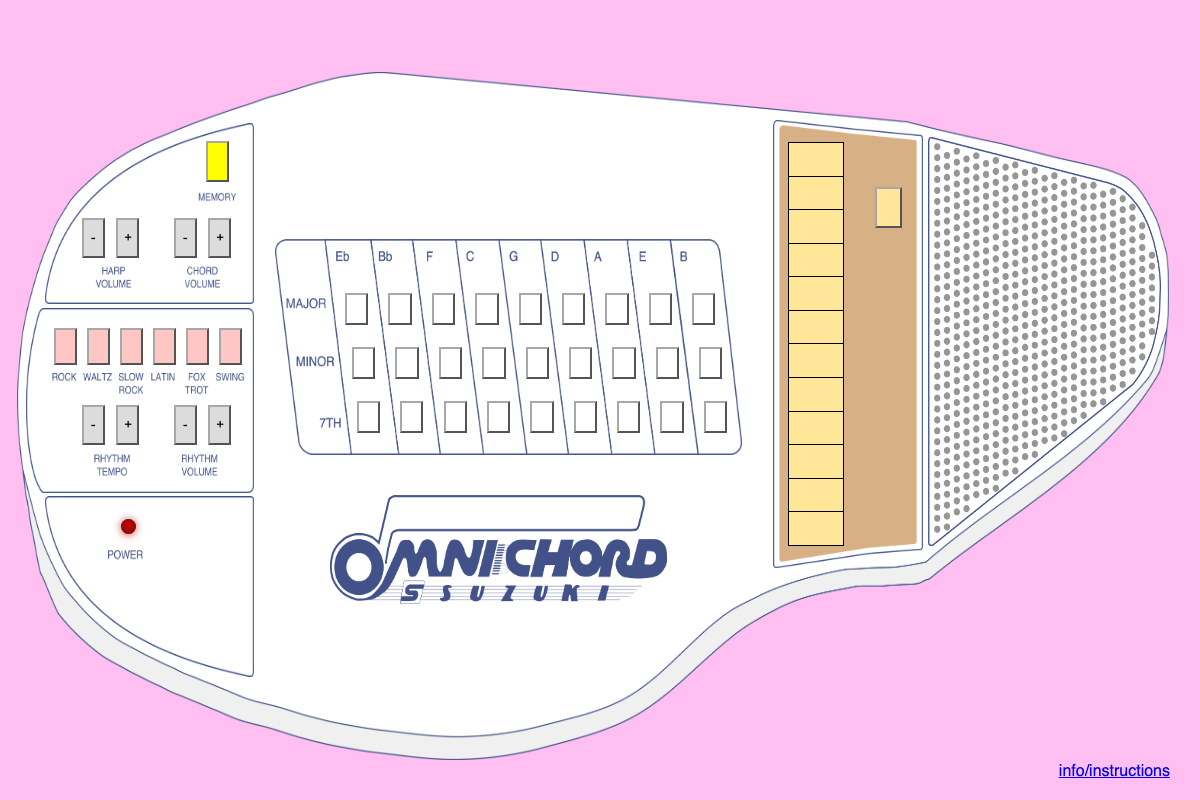
Online Omnichord
Online Omnichord brings the classic Omnichord, the 1980s electronic autoharp-style instrument, into your browser. Play chords straight from your computer keyboard and make music instantly. It's free, open-source, and needs no account. Note: chords are played with the computer keyboard, so it works on Chromebooks and laptops but not on touch-only tablets.
Masteringo - Music Analyzer
Masteringo's free Music Analyzer shows a track's BPM, musical key, Camelot code, spectral balance, and loudness. Drop in a file and it's analyzed in your browser, with no upload and no account. Great for DJ workshops: have students count the beat and guess the key by ear, then check their answers.